 ScanMate AI
Scan to clean PDFs in seconds
ScanMate AI finds the page, removes shadows and colour cast, and reads the text, even in Bangla, without the internet. It also opens any PDF, makes job-application photos and signatures at the right size, and has 30+ PDF tools. No watermark. No account. No subscription.
See it in action
Real screens from the app. Swipe for more.
Everything you need from a scanner
Built for everyday paperwork: bills, forms, receipts, notes, ID cards, books and job applications.
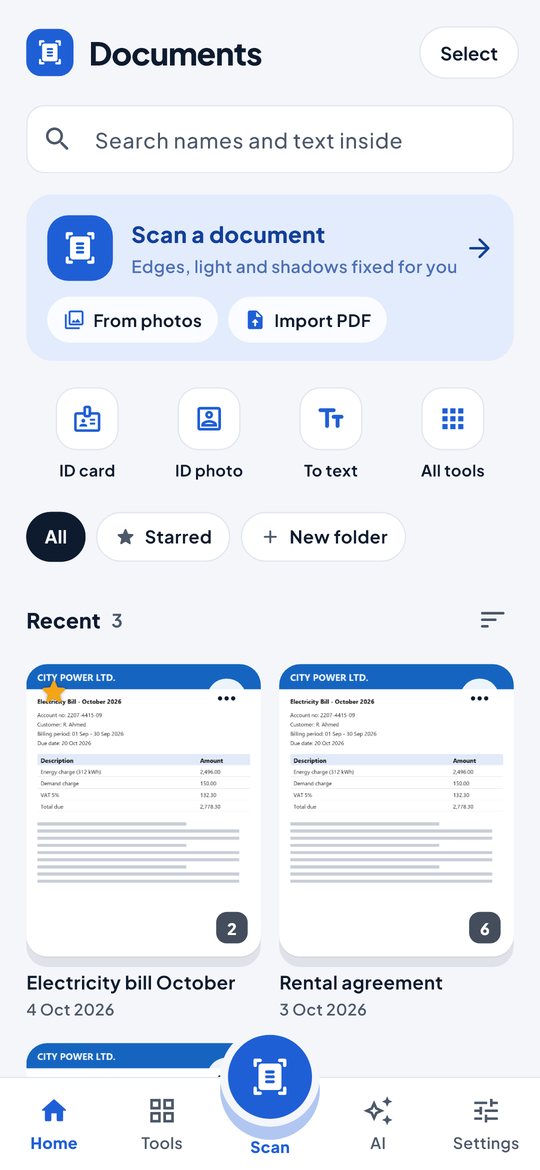
Scan documents to PDF
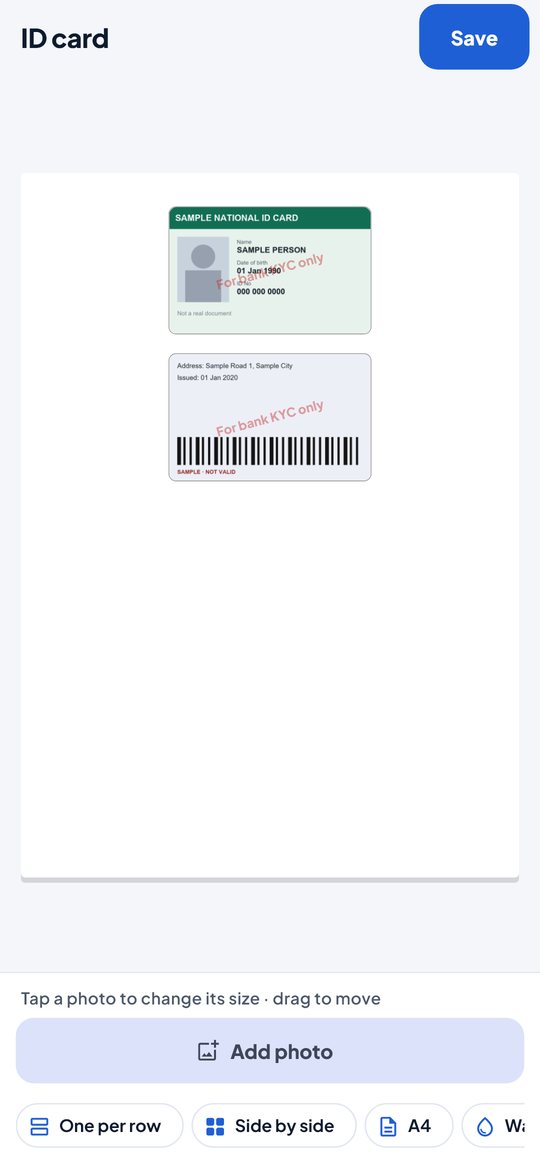
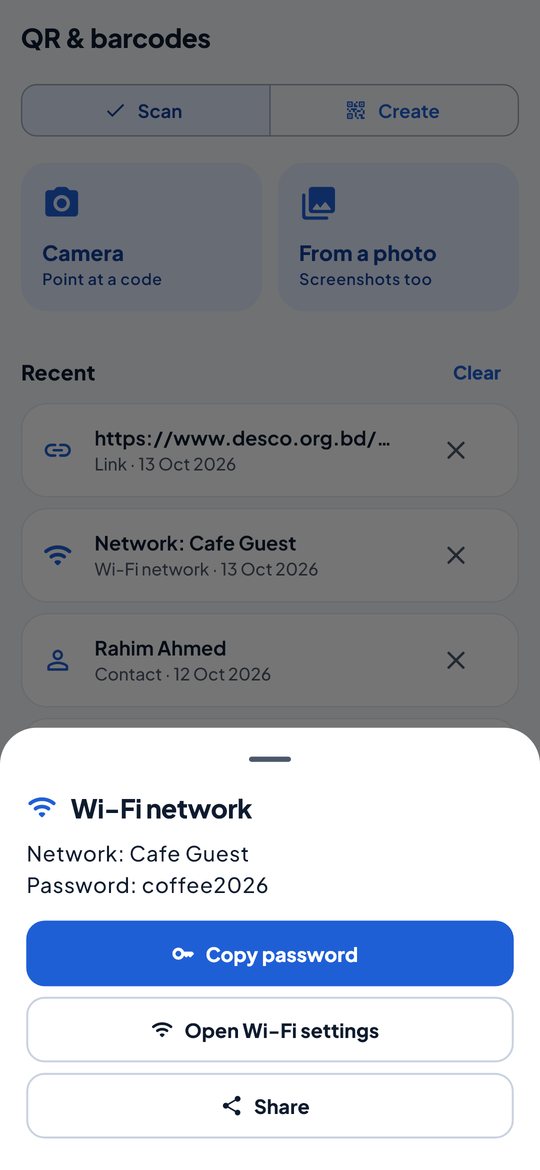
The camera finds the page edges, focuses on the page and takes the photo when it is steady. Many pages in a row, photos from the gallery, or PDFs. Modes for documents, ID cards, books and QR codes.
Clean pages
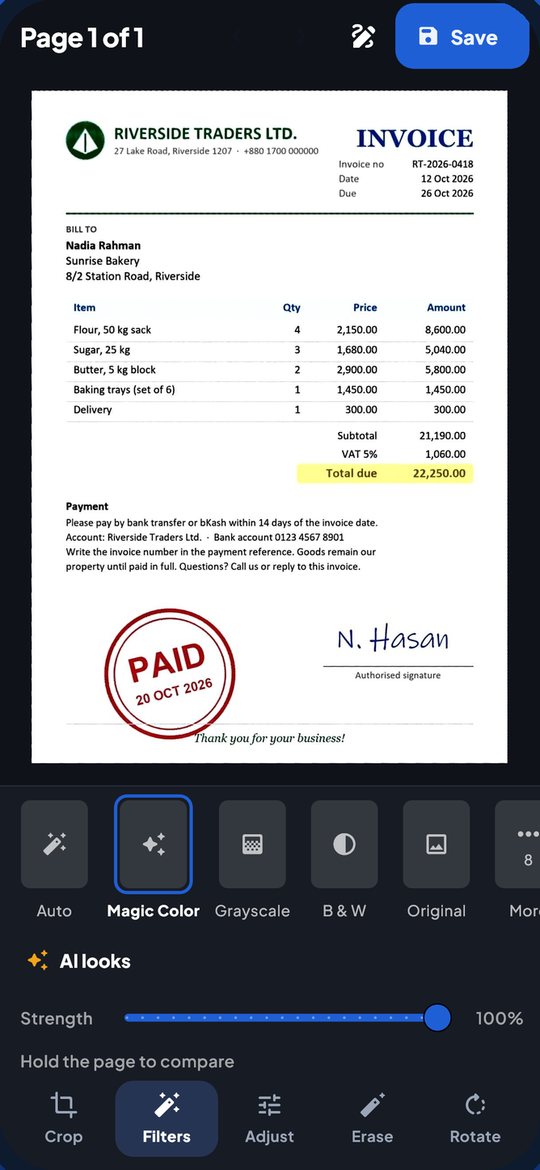
Magic Color, No shadow, Gray, B&W and B&W + colour. Smart Auto picks the right look for receipts, notebooks, faded print and forms.
Edit page by page
Crop with a magnifier, rotate, then swipe to the next page: each page is saved as you go. Drag pages into order, erase marks or fingers.
Job applications and ID photos
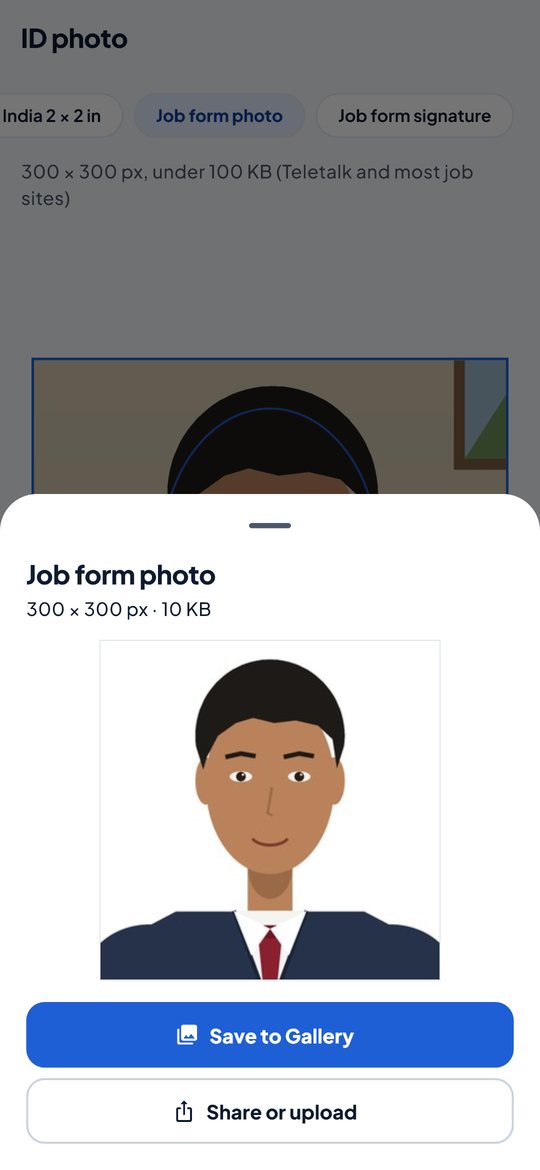
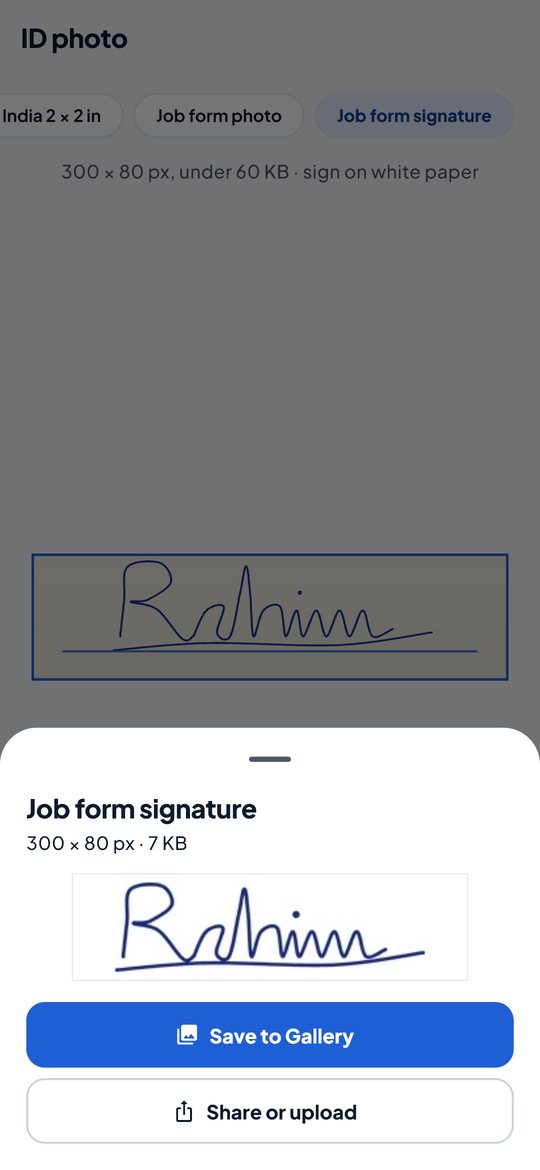
Job form photo 300 × 300 px under 100 KB, signature 300 × 80 px under 60 KB, passport and visa photos ready to print, and PDFs compressed to the size a form asks for.
PDF reader
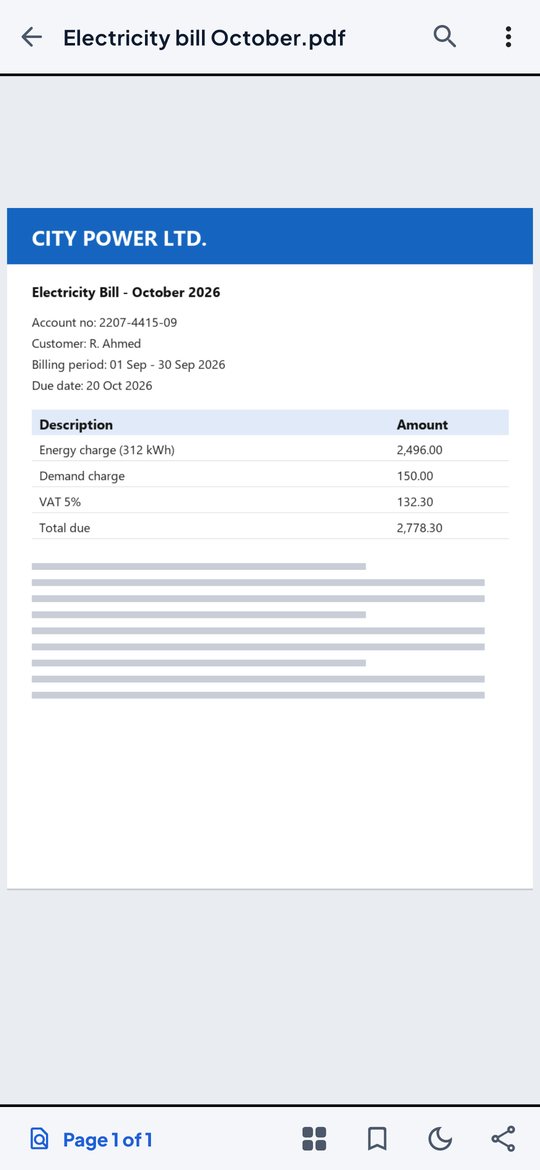
Open any PDF from WhatsApp, Gmail, Telegram or Files. Search, copy, night mode, bookmarks; password PDFs like bank statements; old Bijoy-font Bangla made searchable.
PDF tools
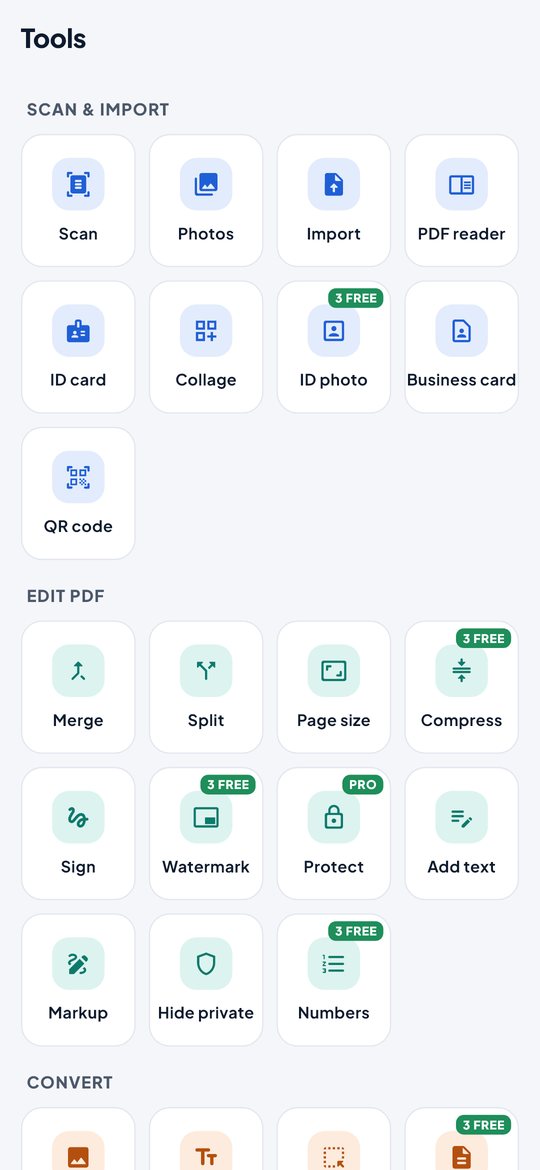
Merge, split, compress, page size, PDF to JPG, long image, password, watermark, page numbers, print, to Word and Excel, searchable PDFs.
Text recognition, offline
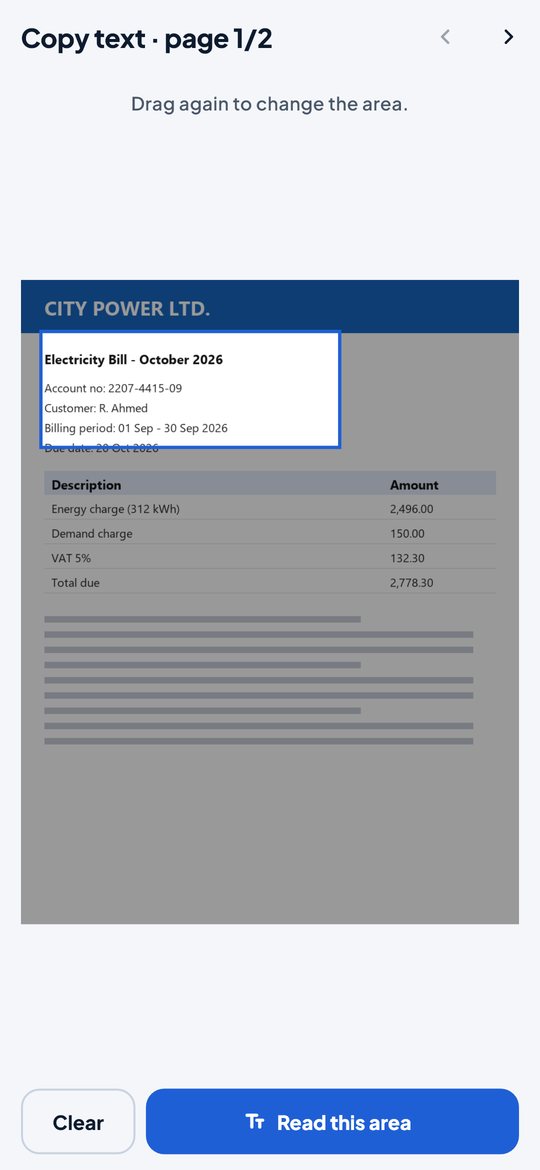
Copy the text of a page or any area. Bangla, Hindi, Arabic, Urdu, Chinese and 40+ languages on your phone, no internet needed. Read aloud, or save as Word or text.
Sign and fill forms
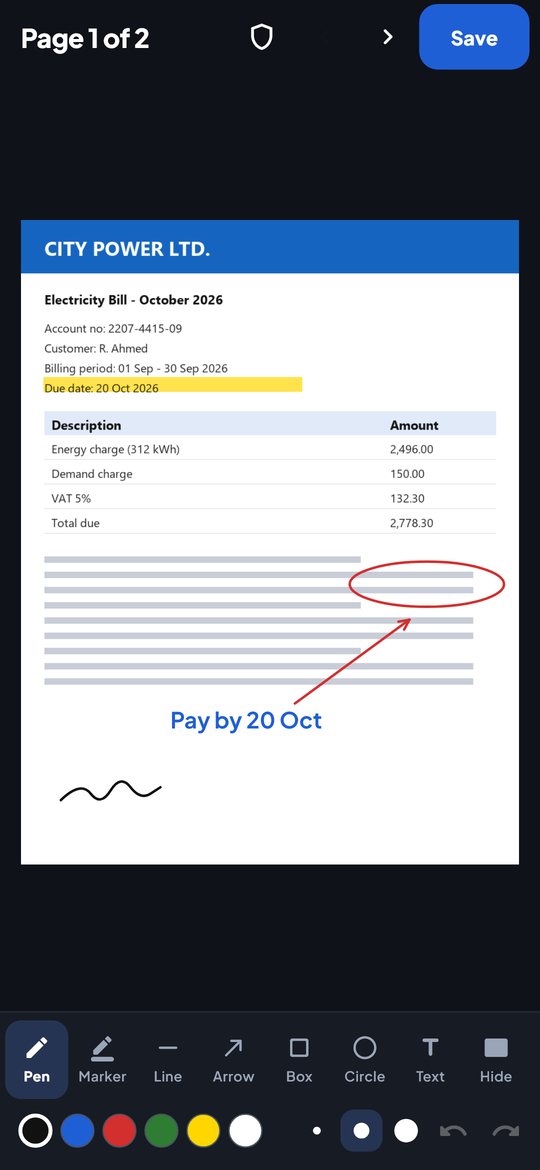
Your signature, text, dates and ✓ marks. Mark up with pen, highlighter and arrows. Hide private numbers with black boxes.
Optional AI
Explain, summarize, translate, homework help, tables to Excel, with your own API key (Google Gemini has a free tier). Every scanner, PDF and text tool works without AI.
Free. Pay once if you want more.
No subscription, ever.
Free
- Scanning, filters, text recognition, PDF, sharing and signing
- Pro tools: try each 3 times, then watch one short ad to use them all for 24 hours
- No watermark on your documents
ScanMate Pro
- Every Pro tool: B&W + colour, To Word, To Excel, password, compress to a size, page numbers, watermark, long image, ID photo
- No ads at all
- Restores on your other phones with the same Google account
Private by design
The short version of our privacy policy.
- Your scans stay on your phone. Photos, PDFs and the text read from them are stored only in the app. We run no servers that receive them.
- No account needed. Open the app and scan. An optional PIN app lock keeps others out, and a backup to one file keeps your documents safe.
- Text recognition runs on your device. Extra languages are downloaded once from the open-source Tesseract project; no document content is sent.
- AI only when you choose. AI is off by default. If you turn it on with your own key, only that document goes straight from your phone to the provider you picked.
- Ads from Google AdMob. Ads may use your advertising ID and approximate location. In Europe you are asked for consent first, and you can change it in Settings.
- Pay once, no ads. ScanMate Pro is bought through Google Play; after that no ads are loaded. Delete the app and everything it stored is gone.
Questions
Where do I get ScanMate AI?
It is free on Google Play, for Android 7.0 and newer.
Does it add a watermark?
No. Your PDFs are clean, in the free version too.
Does it read Bangla?
Yes. Add Bangla once in the text recognition languages and it works offline. Hindi, Arabic, Urdu and 40+ more are available too. Old PDFs typed in Bijoy fonts become real, searchable Bangla.
Can it make the photo and signature for a job application?
Yes. Tools › ID photo makes the job form photo (300 × 300 px, under 100 KB, white background) and the signature (300 × 80 px, under 60 KB) from a photo of your signature on paper, ready to upload.
Can it open PDFs from WhatsApp or Gmail?
Yes. Choose ScanMate AI when Android asks how to open a PDF, or open it from Tools › PDF reader. Password PDFs such as bank statements open too.
Do I need an AI subscription?
No. All scanning, PDF and text tools work without AI. AI tools are optional and use your own key; Google Gemini has a free tier.
Get ScanMate AI, free
Scan, read and share your documents in seconds. Questions or ideas? Write to [email protected].
▶ Get it on Google Play